USE CASE

Interviews

How journalists and researchers use CleanCut to create polished interview recordings with better pacing.

The Interview Editing Challenge

Interviews are conversational by nature, but raw recordings contain lots of dead air that disrupts flow:

  • Thinking pauses before answers
  • Awkward silences between questions
  • Technical setup and mic checks
  • Interruptions and off-topic moments

Manually editing interviews to tighten pacing while preserving natural conversation flow is time-consuming and requires careful attention to detail.

The CleanCut Solution

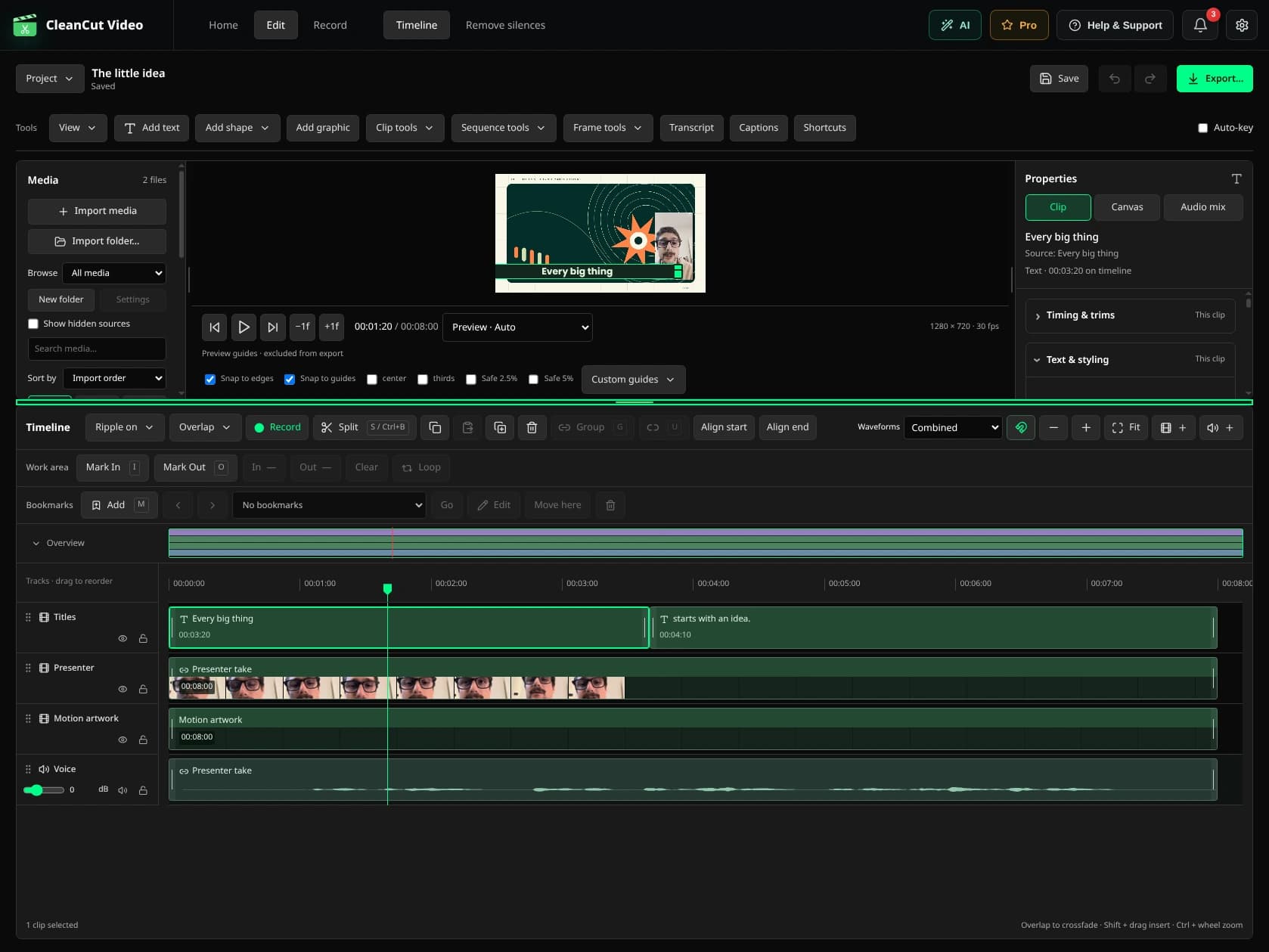
CleanCut automatically detects and removes dead air while preserving the natural rhythm of conversation, creating polished interviews that are easier to watch and share.

Faster Editing

Edit interviews in minutes instead of hours

Better Flow

Tighter pacing while keeping natural conversation

Professional Quality

Publish-ready interviews with minimal effort

Typical Interview Workflow

1

Conduct your interview

Focus on the conversation - don't worry about perfect pacing

2

Import to CleanCut

Drag your interview recording into CleanCut

3

Auto-detect silences

Set threshold to -35dB, minimum duration to 0.8s to preserve natural pauses

4

Review key moments

Check important sections, restore intentional pauses if needed

5

Export and publish

Export polished interview and share or publish

Real Results

15-25%

Average reduction in interview length

90%

Time saved on editing

Ready to Edit Interviews Faster?

Download CleanCut and start producing polished interviews in minutes.

Related Resources