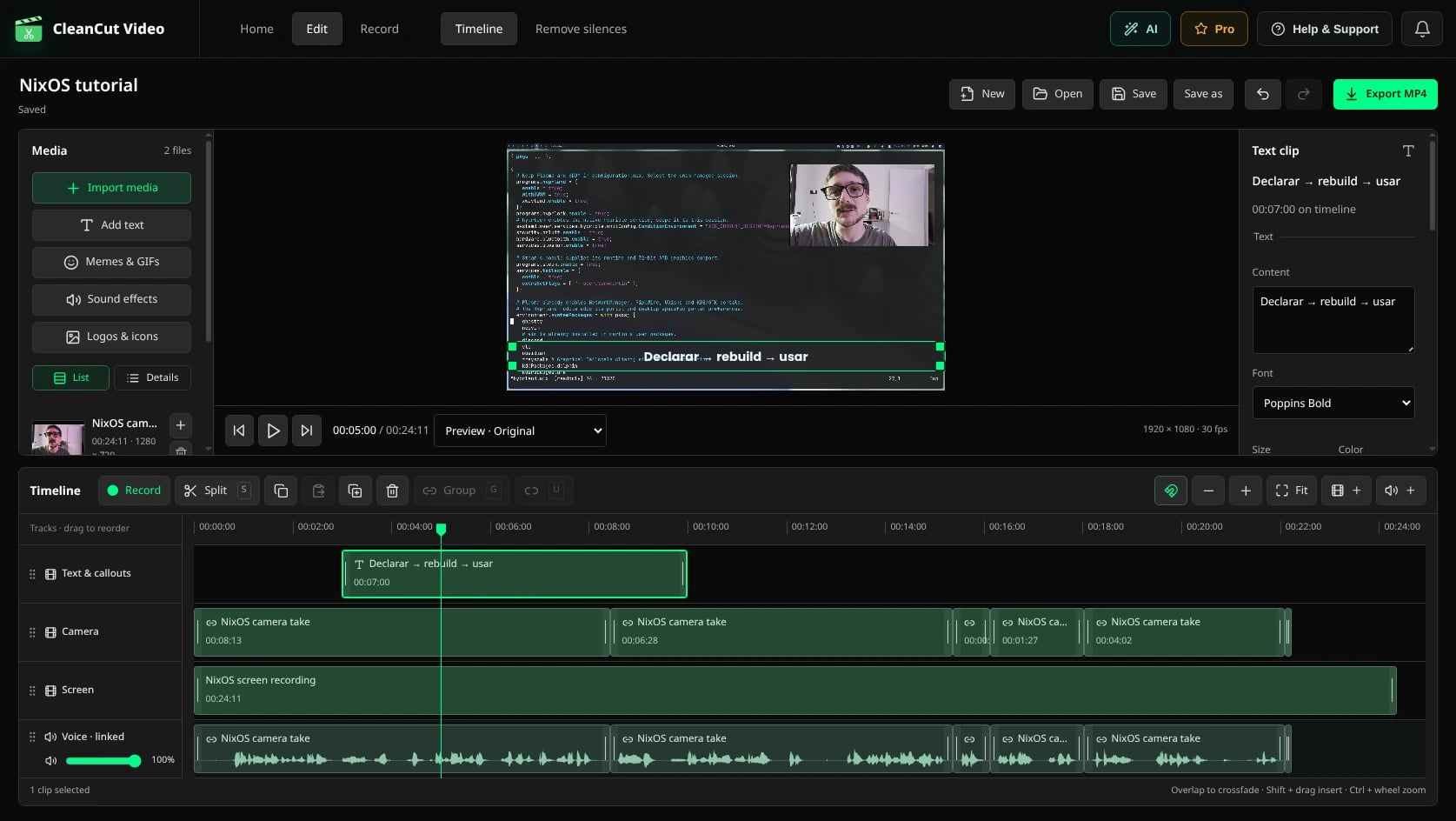
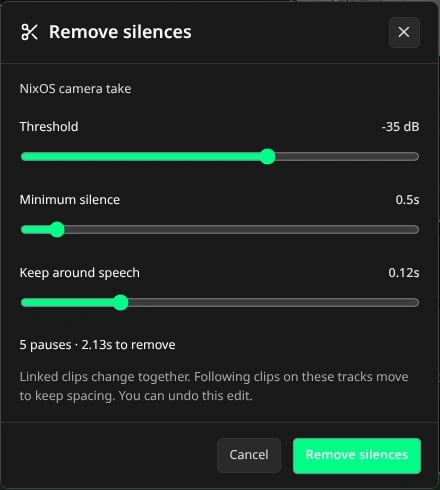
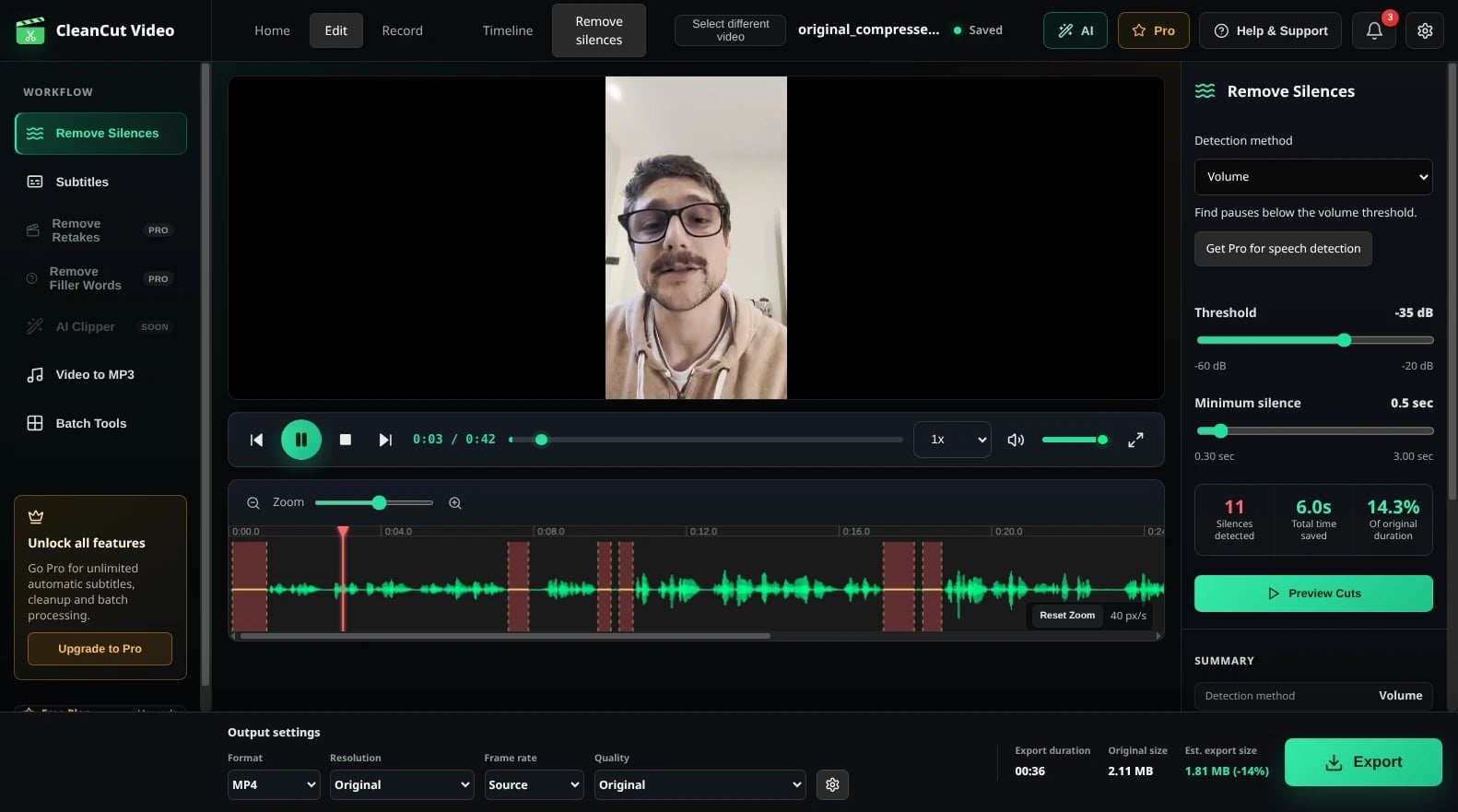
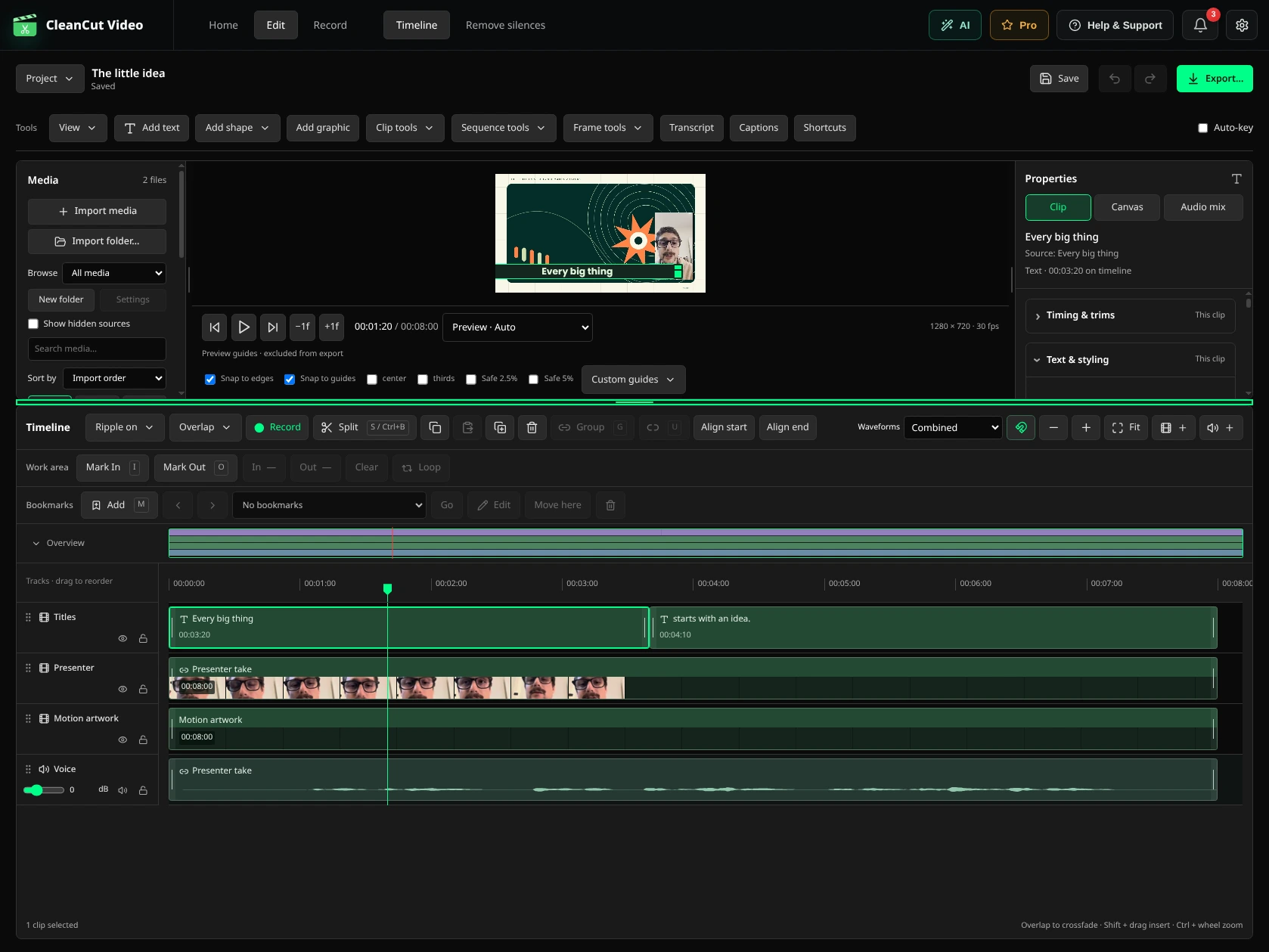
Automatically cut pauses from your video or audio for free. Then continue on a real multitrack timeline—or record your next video directly in CleanCut.
Windows, macOS and Linux. Prices in USD. Your assistant is billed separately; filler and retake detection require a connection.
Before you start.
Is Remove Silences really free?+
Yes. Remove silences from video and audio with no duration limit. Core editing and watermark-free MP4 export are free too. No account required.
Does CleanCut upload my footage?+
Silence removal, editing and export run locally. Filler and retake detection use connected services that may send transcripts and, in some cases, compressed audio. Your AI assistant has its own data requirements.
Can I edit my own existing videos?+
Yes. Import your video or audio, remove pauses and continue on the timeline. You do not need to record it in CleanCut.
What can the screen recorder capture?+
Your screen or a region, webcam, microphone and system audio as separate sources. It can also capture keyboard and click input. Availability depends on your operating system and permissions.
What is included in Pro?+
MCP integration with your assistant, filler-word and retake detection, batch processing and unlimited automatic subtitle exports. Free includes three automatic subtitle exports. Your assistant account and usage are separate. The allowance is per local profile and does not reset monthly.
Cut the silence.
Keep creating.
Remove pauses for free, then finish your video without switching tools.