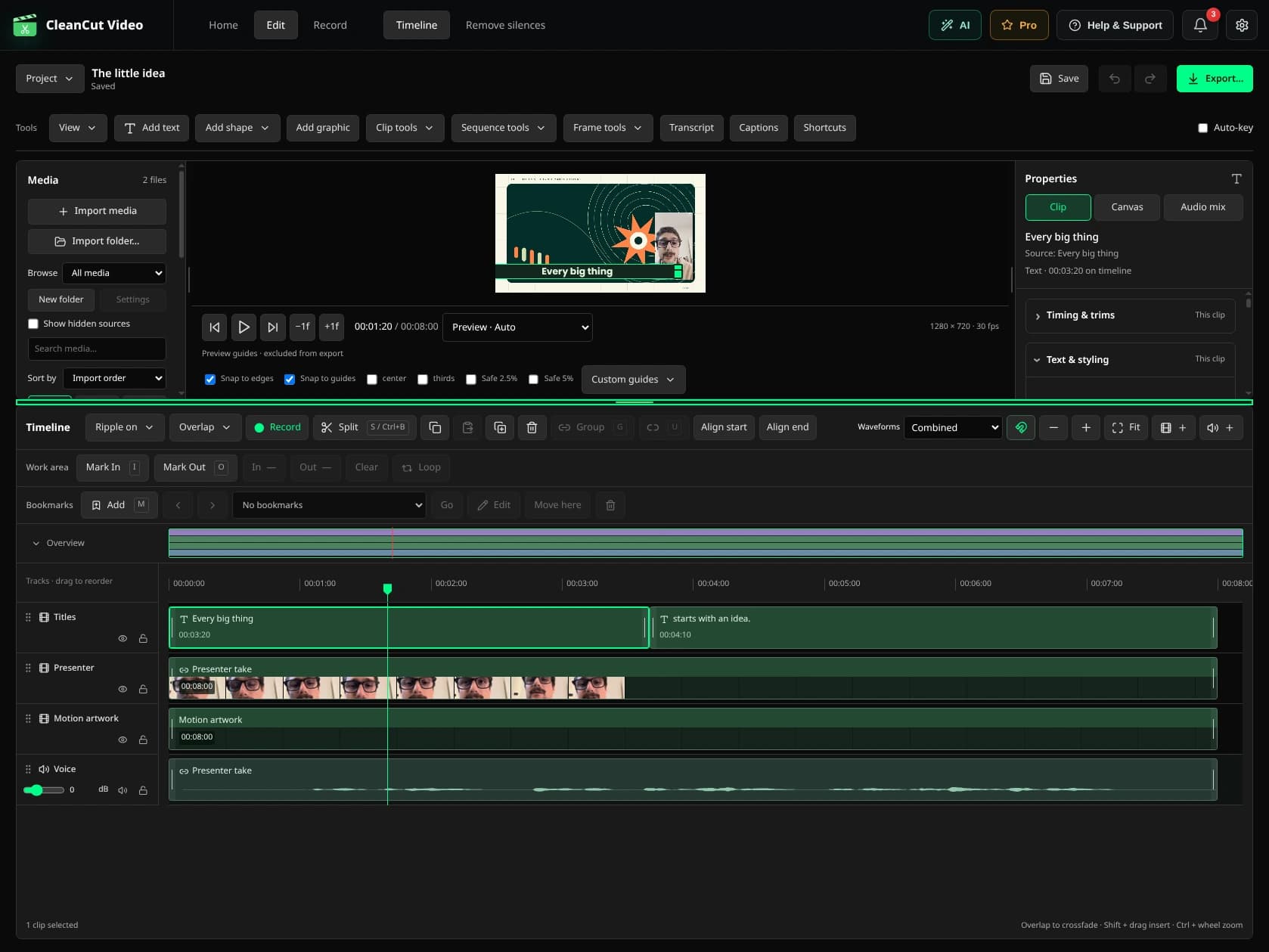
Every layer has a part to play.
Import clips in the order you want, split and trim them, or drag them into a different sequence. Keep voice and video linked while adding images, B-roll and text on their own tracks.
Adjust framing, speed, volume and fades. Your original media stays unchanged, and the .cleancut project keeps the decisions editable.
Make the important words stand out.
Titles are native text clips. Change their content, font, size, alignment and color. Add a colored stroke or a background with padding. Reopen the project and change the wording whenever you need to.
Put a little personality in the mix.
Preview a sound effect before placing it on the timeline. Add your music or images, or use the meme/GIF integration when a reaction says it better. Adjust levels and fades so the voice stays clear.
Local sound libraries keep their source and license information. The optional Memegen integration needs a connection and receives the captions you enter.
Finish the video. Keep the project.
- Export the finished timeline to MP4 without a watermark.
- Save a native project for future changes.
- Recover work, undo edits and relink missing media.
- Use Pro to let your assistant work on the same managed project through MCP.