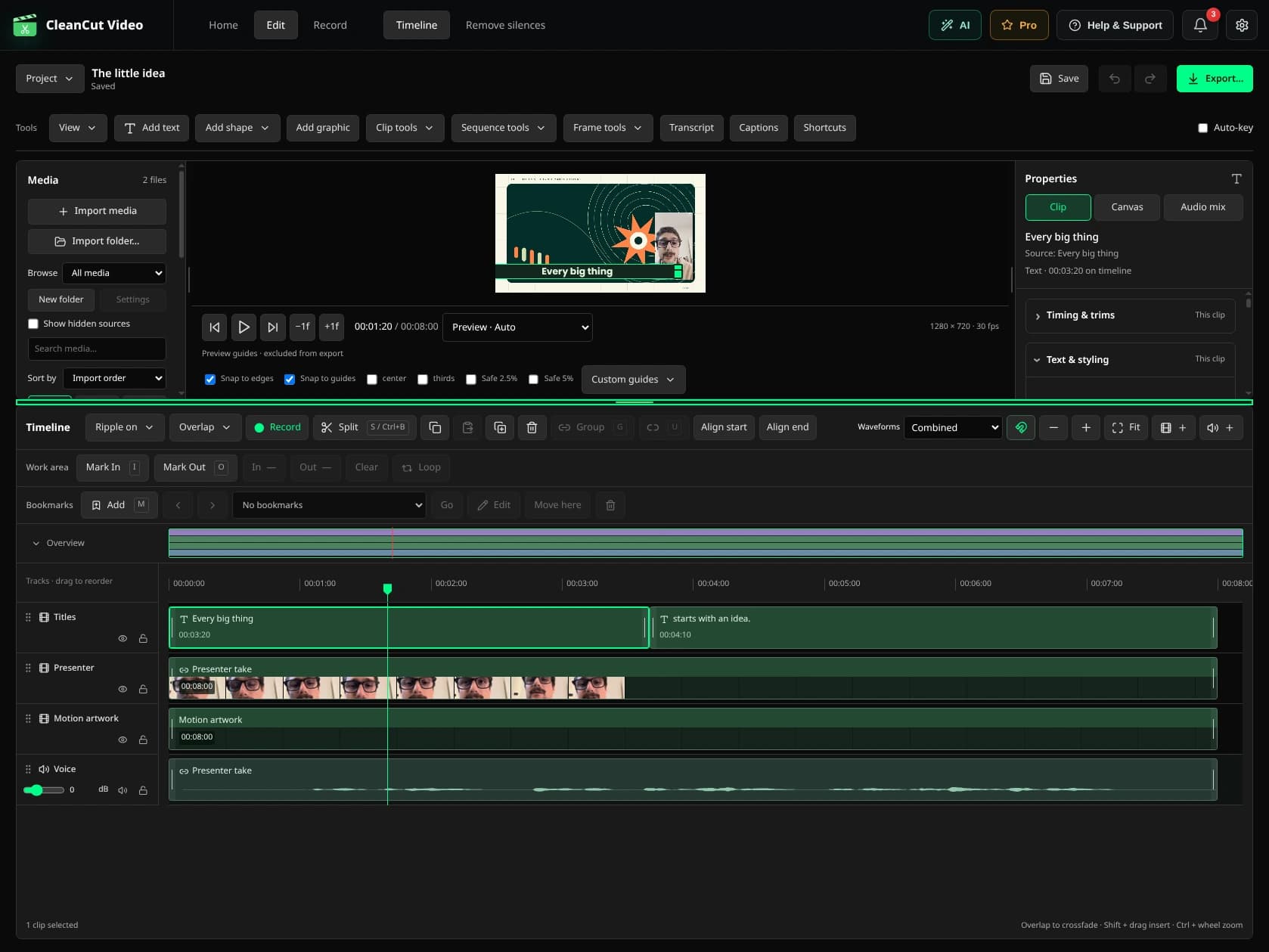
USE CASE

YouTube & Content Creation

How content creators use CleanCut to remove dead air and boost viewer engagement.

The YouTube Editing Challenge

YouTube's algorithm rewards watch time and audience retention. But dead air, awkward pauses, and "umms" kill engagement. Most creators spend hours manually editing:

  • Cutting out thinking pauses between sentences
  • Removing "umms", "ahhs", and verbal tics
  • Tightening pacing to keep viewers watching
  • Re-editing the same sections multiple times

For creators posting 2-3 videos per week, this means 6-12 hours of editing time that could be spent filming or engaging with your audience.

The CleanCut Solution

CleanCut automatically detects and removes all dead air in seconds, creating tighter, more engaging videos that keep viewers watching.

Edit in Minutes

Turn a 2-hour editing session into 10-15 minutes

Better Retention

Tighter pacing keeps viewers watching longer

Post More Often

Spend less time editing, more time creating

Typical YouTube Workflow

1

Film your video

Record naturally - don't stress about perfect takes

2

Import to CleanCut

Drag your video file into CleanCut

3

Auto-detect silences

Set threshold to -30dB, minimum duration to 0.5s for tighter pacing

4

Quick preview

Watch a few sections, adjust if needed

5

Export and upload

Export optimized video and upload to YouTube

Real Results

15-25%

Average reduction in video length

85%

Time saved on editing

Ready to Edit YouTube Videos Faster?

Download CleanCut and start posting more content in less time.

Related Resources