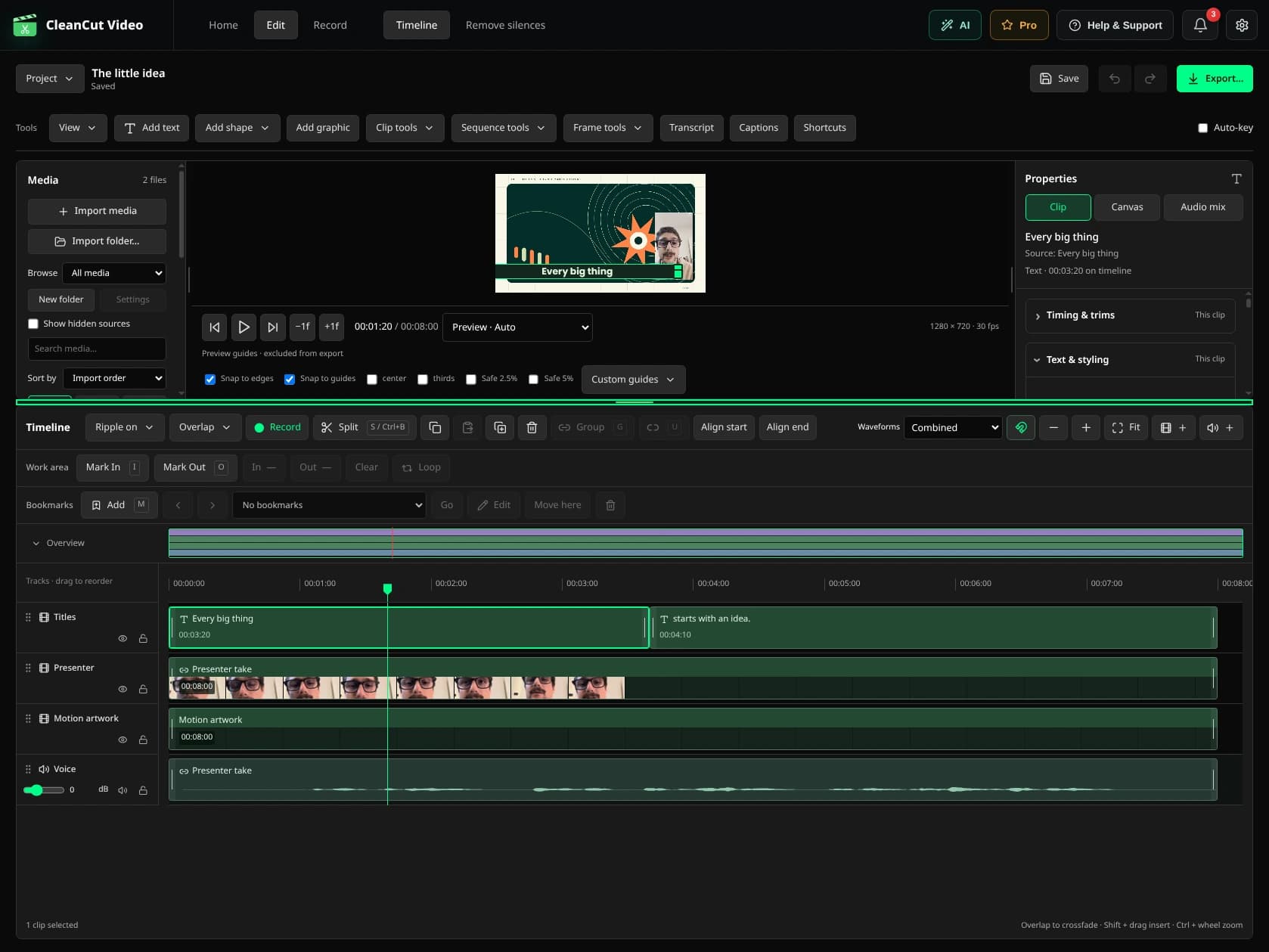
From speech to reviewed captions.
- Configure the local speech engine and model inside CleanCut.
- Import the spoken recording and select its language.
- Generate subtitles and check names, punctuation and timing.
- Choose the supported subtitle style and review readability over your footage.
- Export with subtitles and watch the result at the intended viewing size.
Titles and subtitles have different limits.
The three-export allowance applies to the automatic subtitle exporter, not to native text clips you add manually in the timeline. It is not advertised as a monthly reset. Pro enables unlimited automatic subtitle exports.
Local transcription quality depends on the model, language and recording. Always check names and important wording.