Before you press Record.
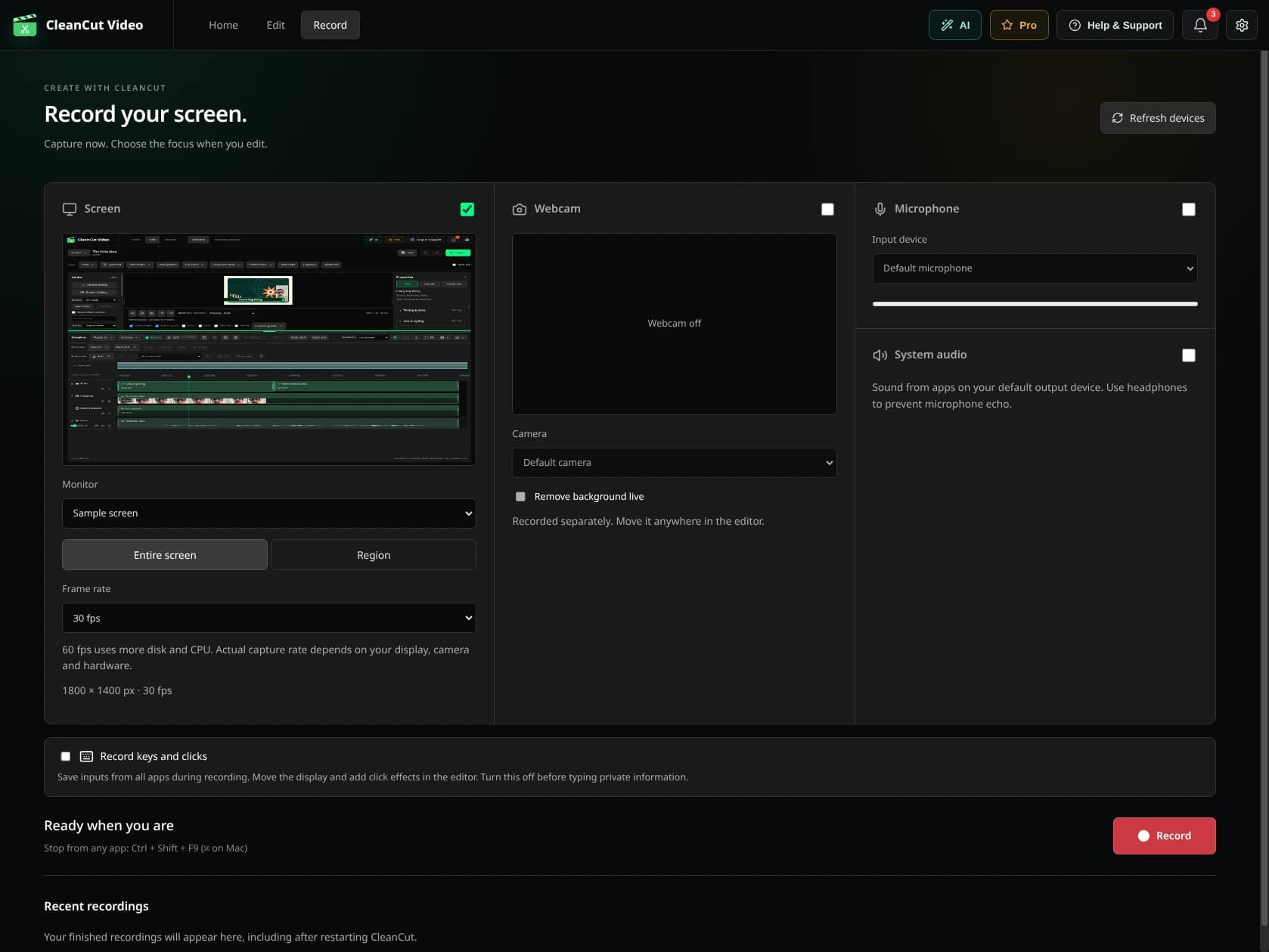
- Open Record. Choose a supported screen, window or region source offered by your system.
- Select your webcam and microphone. Enable system audio only if your platform offers it and you need it.
- Grant the operating system's capture permissions. Enable input tracking only if you want those effects and understand what is recorded.
- Record a short test and listen back. Check the camera framing, audio levels and synchronization.
- Record the take, stop capture and review the result before making a longer recording.
Shape the recording.
Add zoom ranges, adjust the webcam placement and review available cursor/input effects. Put a blur or opaque cover over a region when needed. Review all visible content, including keyboard overlays, before sharing.
Bring the recording into the timeline to add titles, other clips and sound. Save the project, then export a separate MP4.