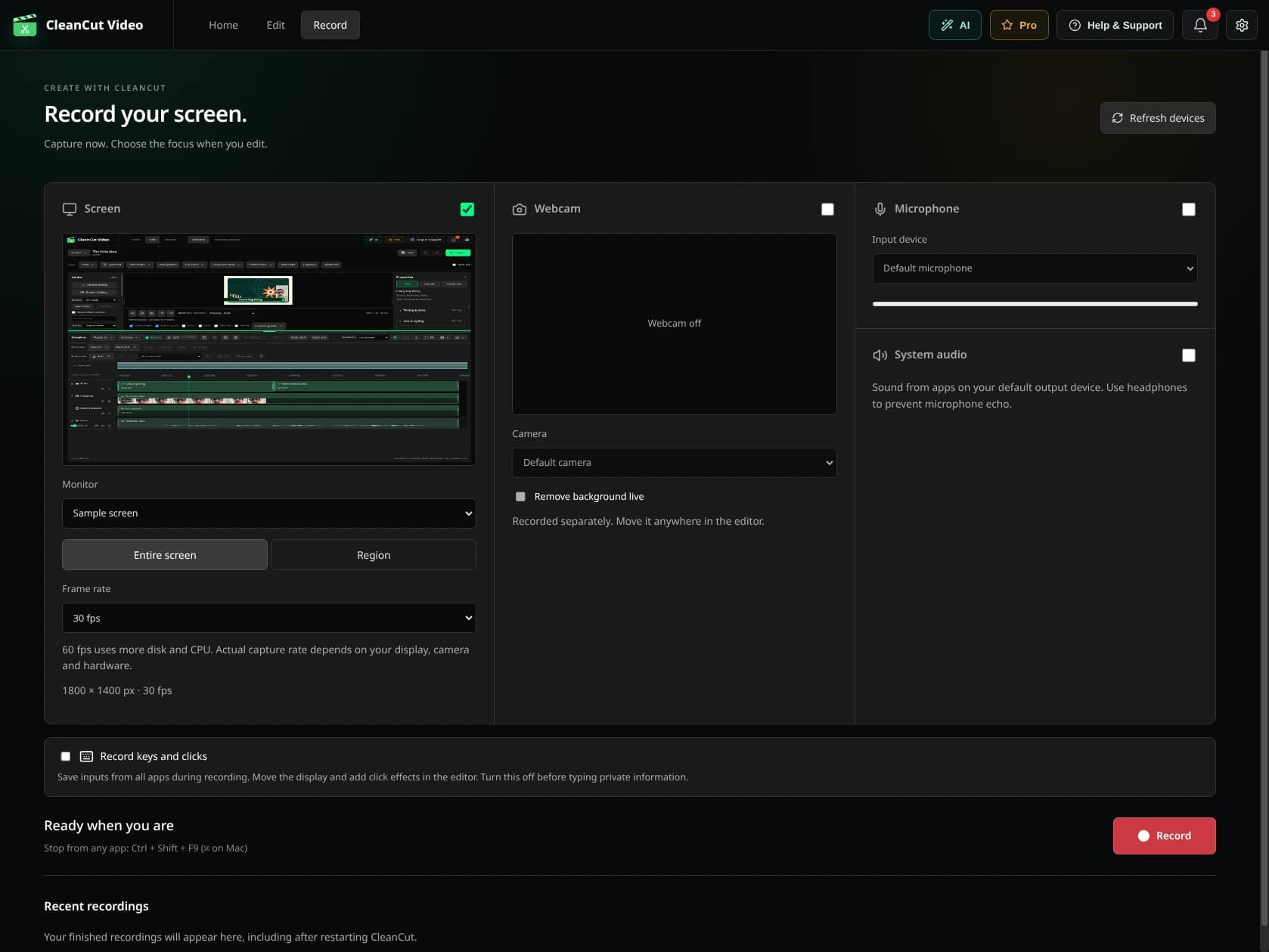
Record and explain.
Choose the screen or region your platform offers, set up the microphone and camera, and record a short test. Capture the explanation in manageable takes so a correction does not mean recording the whole lesson again.
Make each step visible.
- Use zoom to emphasize a control or detail in compatible recordings.
- Add native text for the concepts a viewer should remember.
- Remove long gaps, while keeping pauses needed to follow a demonstration.
- Review automatic captions for technical terms.
- Keep the project so you can replace a section when the material changes.
Handle the next lesson with less repetition.
Free covers recording and manual editing. Pro adds batch processing for similar recordings, unlimited automatic subtitle exports and MCP integration for help from your assistant.