USE CASE

Podcast Editing Made Easy

How podcast producers use CleanCut to remove dead air and save hours per episode.

The Podcast Editing Problem

Recording a podcast is the easy part. The hard part? Spending 3-4 hours editing a 1-hour episode. Most of that time is spent:

  • Scrubbing through the timeline looking for dead air
  • Manually selecting and deleting silent sections
  • Removing "umm"s, long pauses, and awkward silences
  • Cutting out technical issues and interruptions

For weekly podcasters, this adds up to 12-16 hours of editing per month - time that could be spent creating more content or growing your audience.

The CleanCut Solution

CleanCut automatically detects and removes all dead air in seconds. What used to take hours now takes minutes.

Save 90% of Editing Time

Reduce a 3-hour editing session to 15-20 minutes

Better Engagement

Tighter pacing keeps listeners engaged throughout

Professional Quality

Consistent, polished episodes every time

Typical Podcast Workflow

1

Record your episode

Record as usual - don't worry about pauses or mistakes

2

Import to CleanCut

Drag your audio/video file into CleanCut

3

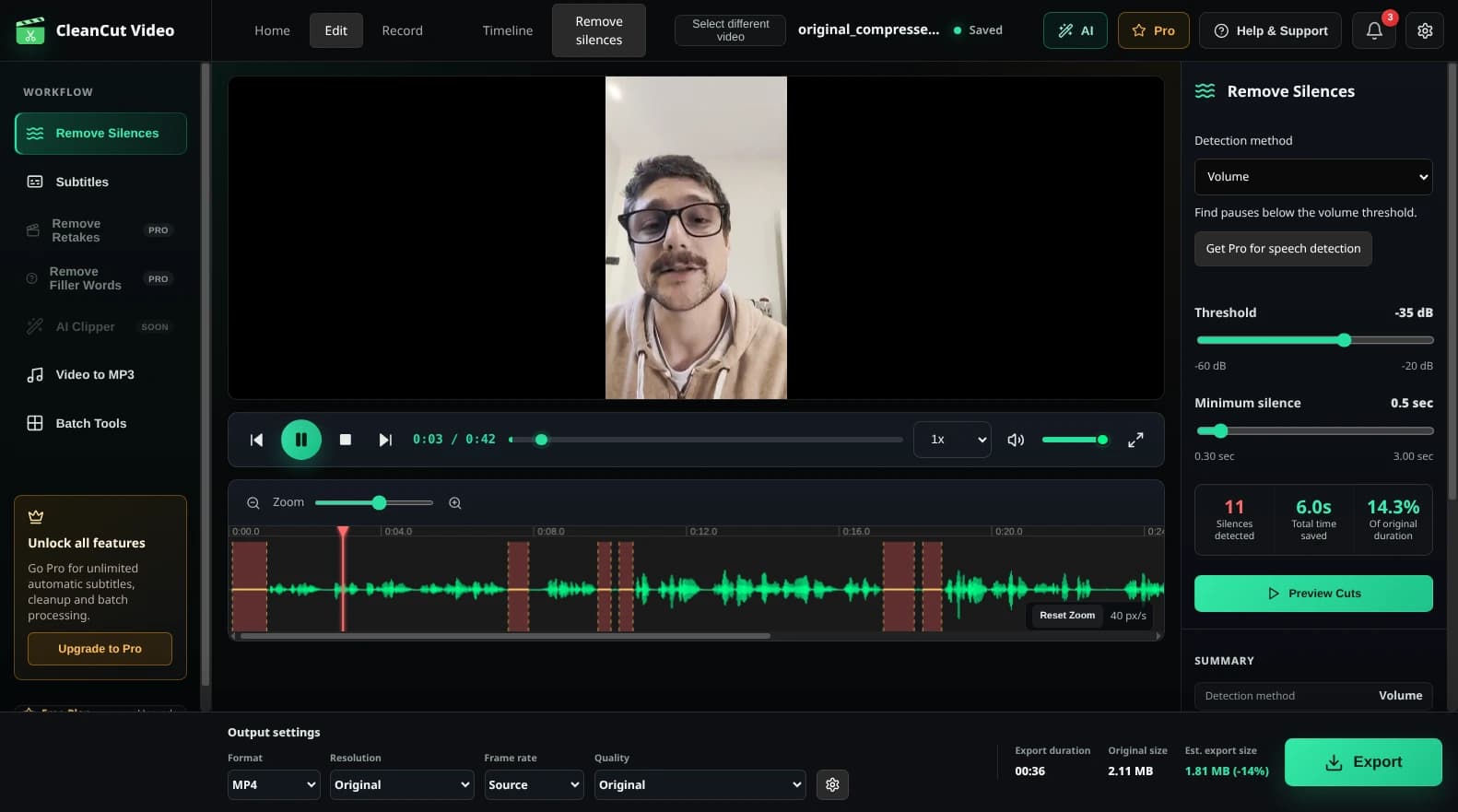
Auto-detect silences

Set threshold to -35dB, minimum duration to 0.8s, add 0.2s padding

4

Quick review

Listen to a few sections, exclude any intentional pauses

5

Export and publish

Export the cleaned file and upload to your podcast host

Real Results

10-30%

Average reduction in episode length

90%

Time saved on editing

Ready to Speed Up Your Podcast Workflow?

Download CleanCut and start producing episodes faster.

Related Resources