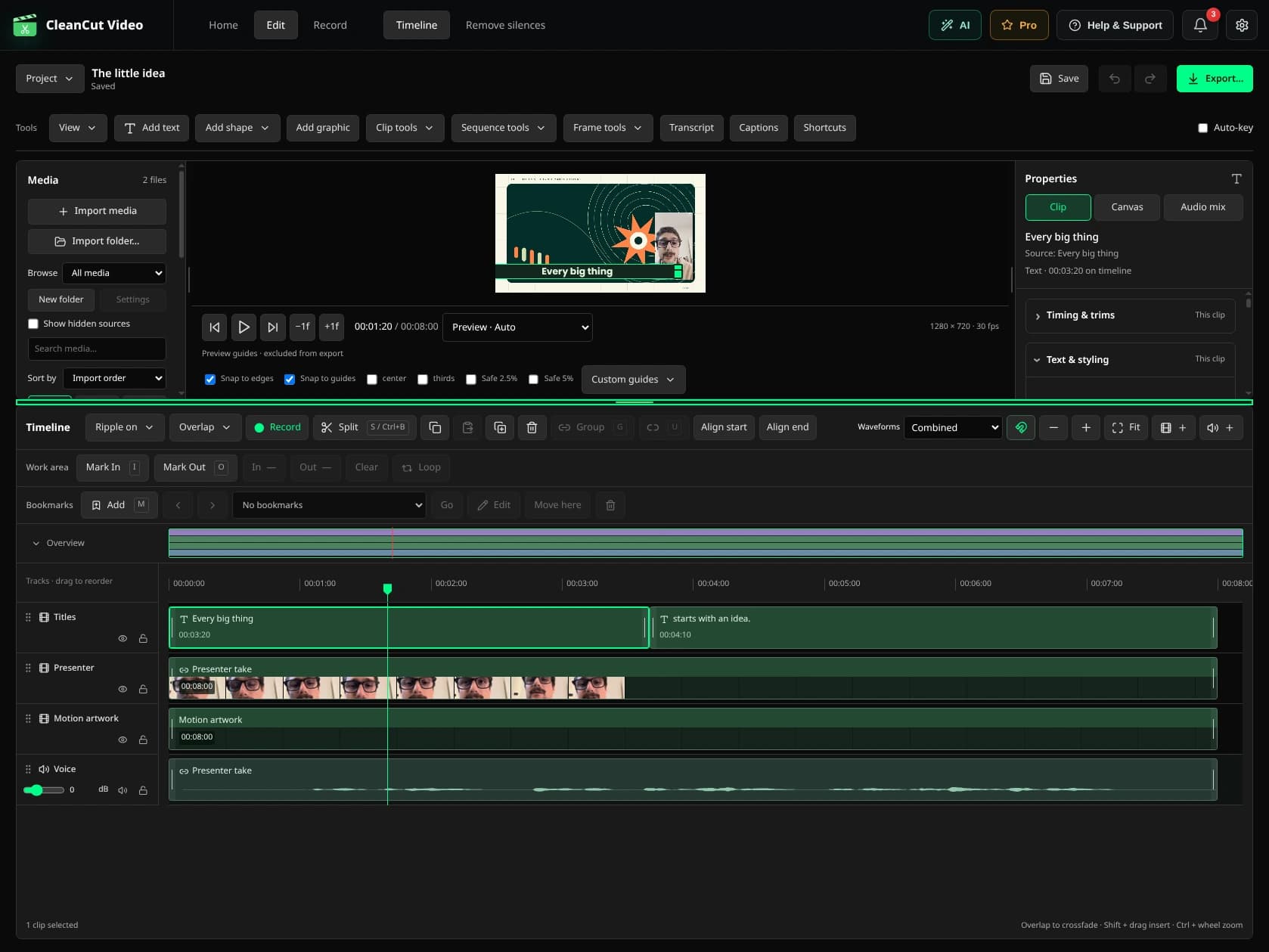
Start from an authorized recording.
Import a recording you are allowed to edit and share. CleanCut can work with supported files from a meeting tool; it is not an automatic participant or an integrated recorder for Zoom, Teams or Meet.
Give the recap a structure.
- Select the passages relevant to the recap.
- Remove unnecessary waiting time while preserving context.
- Add native titles for decisions, topics or next steps.
- Review names and dates in any generated captions.
- Export separately and keep the project for corrections.
Choose connected tools deliberately.
Manual editing and rendering stay local. Filler/retake analysis sends transcripts to a service, and an assistant can send its tool results to its provider. Apply your organization's rules before using those tools on internal recordings.